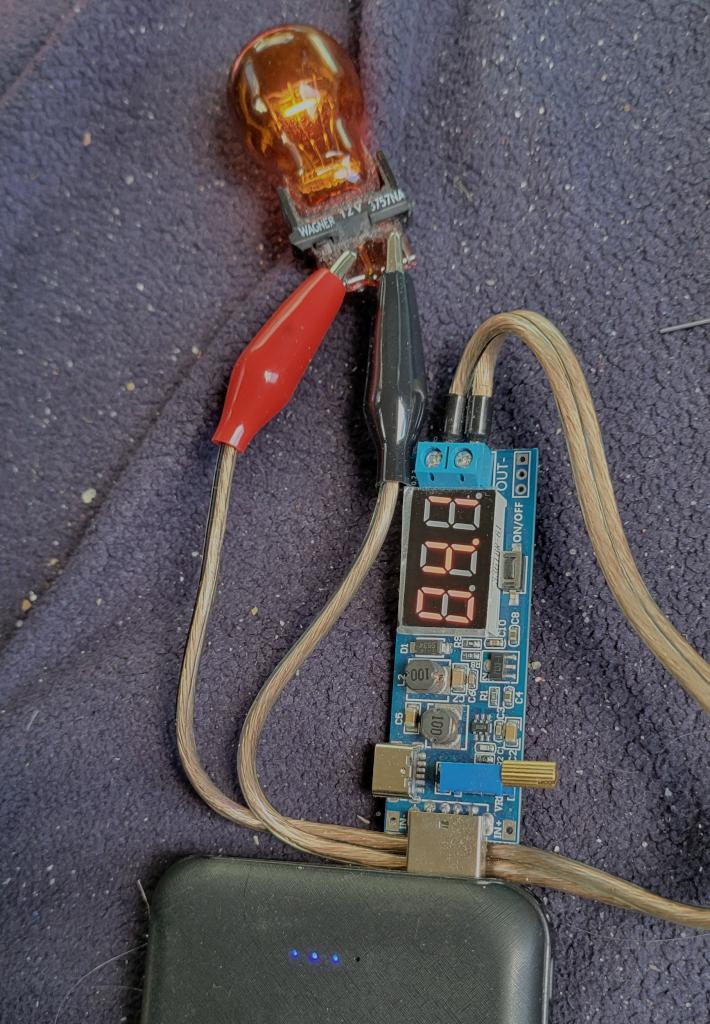
A while ago I got a handful of USB powered Buck-Boost converters, they are great for low power dc testing, at 1.2V to 24V, and low current.
life of a tinker
A while ago I got a handful of USB powered Buck-Boost converters, they are great for low power dc testing, at 1.2V to 24V, and low current.
A while ago I got a bag of dc barrel jack pairs, and have been slowly building up my easily connectable dc parts kit.
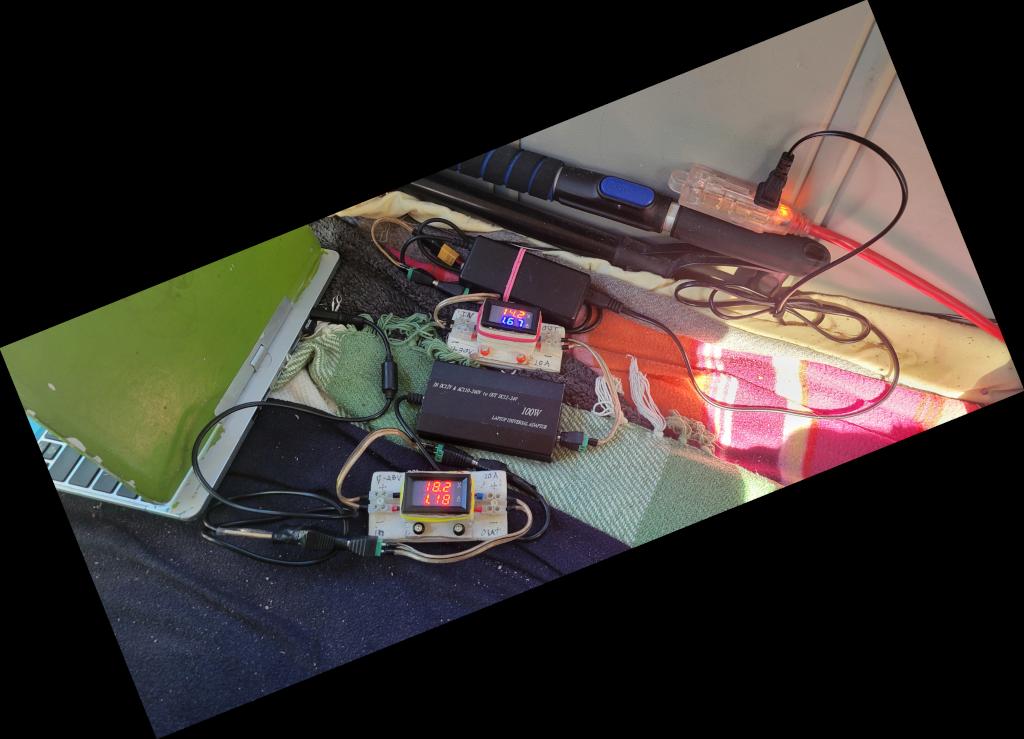
Pictured is:
This setup is surprisingly silent.
Occasionally, one of the connectors fails to connect properly and needs to be adjusted, they are not perfect.
The USB ports of my big USB battery (20,000 mAh/74 Wh) started moving out of place, after accidentally dropping it. When I opened it up to hot glue the ports back in place, I accidentally hit the pouch cell and broke the surface.
Oh no… I immediately got the battery outside of the house and into a bucket of sand, after a few hours it was still cold, I guess I did not break past the first layer of the jelly roll. I patched the hole with some metal tape, now the battery is only allowed outside the house while supervised, and in the bucket of sand otherwise. I’m working to discharge the cells while it holds together. It is also never getting charged again.
I contacted the fire department to find out how to dispose of damaged lithium cells, since they are a real fire hazard. They told me to bring it by during office hours. I’ll do that next time I go down the hill.
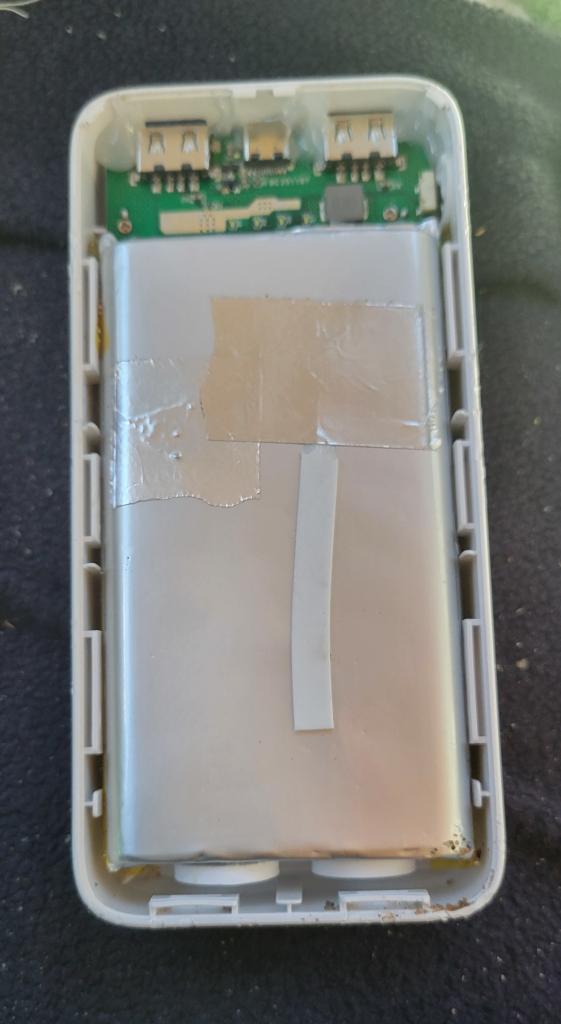
The patched cell, you can see the damage under the tape.
So, after I replaced the washer shock springs, it made it through a handful of loads before going out of balance and making lots of noise again. The basket does not move out of place within the tub, so it is not the bushing. It seems I did not get good enough rods from amazon.
I finally got a good look inside the washer while it was running, and it was definitely the suspension rods not damping the motion of the wash tub again.
After a bunch more research I came across a video on how the suspension rods work and how to refurbish them, https://m.youtube.com/watch?v=IZZCwXEmGhE, and one of the comments said that replacing the foam in the rod with butcher’s twine held up for years. One of my roommates had a bundle of cotton twine that I could use to attempt the repair.
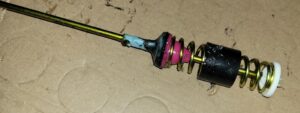
A rod that came out of the washer, it still has lots of high friction grease on it.
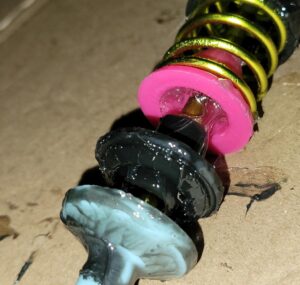
After I got it opened it up, the foam insert was nowhere to found.
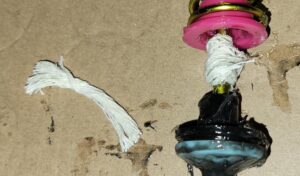
So, I wrapped a wad of string, just big enough to fill the leftover space in the pink cup, around the rod, getting it well covered in the traction grease, and pushed it all together.
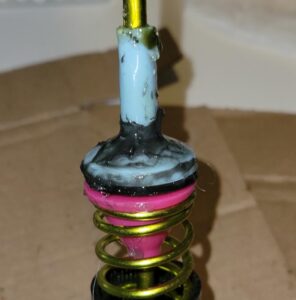
After doing all four rods, a spin test made it through the full range of speeds.
It also made it through an unbalanced load of laundry with no interventions or rebalancing, I hope it keeps working through the next loads.
A while ago I got some leftover color led strips from a friend, but did not have a controller for them, but I did have some available microcontrollers (Pi Pico 2 W, and ESP-32).
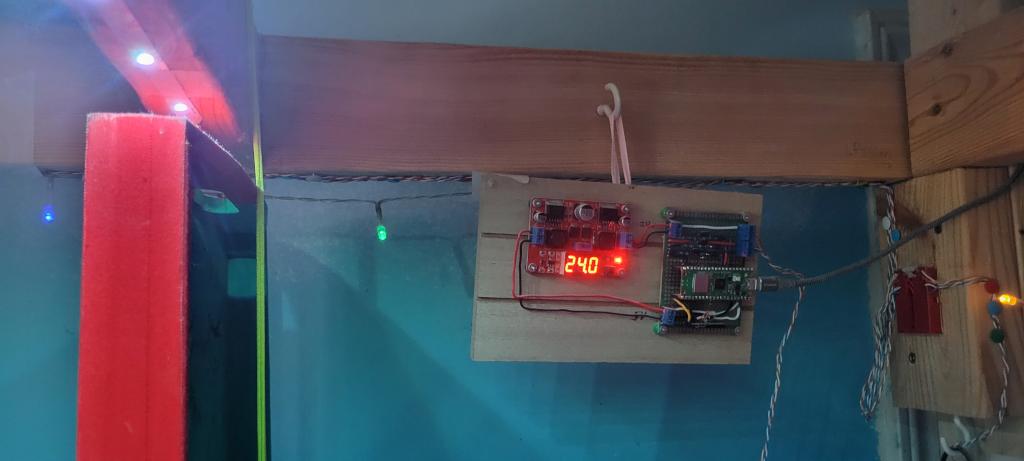
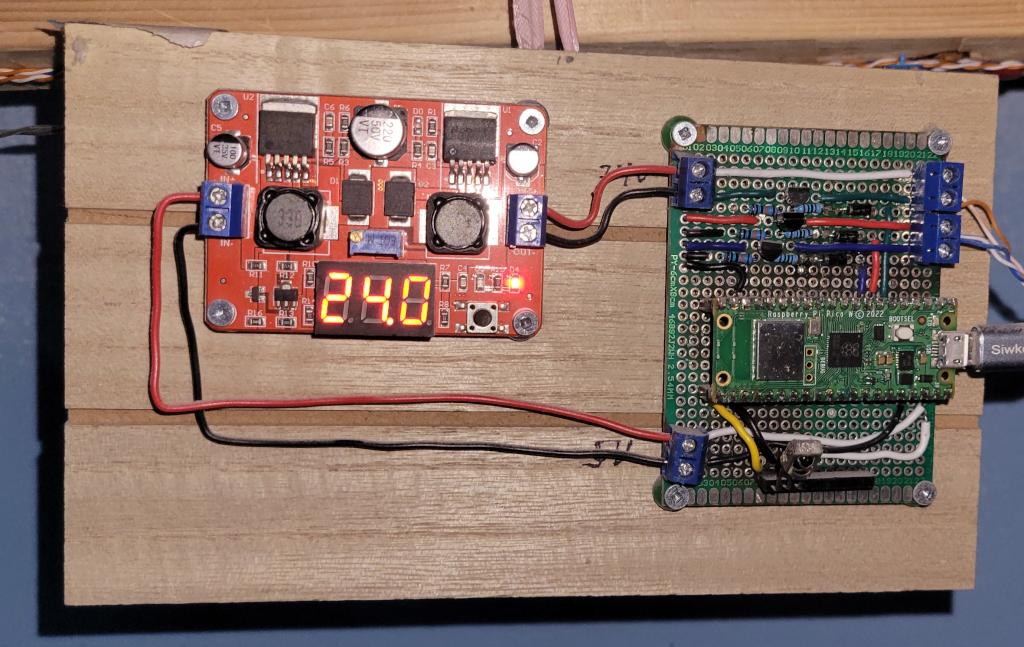
The result is a prototype board mounted on a board along with a voltage regulator, connected to USB Power and the LED strips.
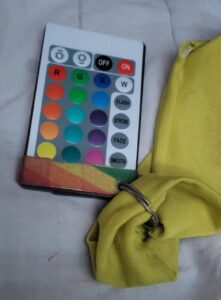
The user interface is just a simple IR remote control.
To get here was a long journey, starting with writing some code and laying out the components on a demo board.
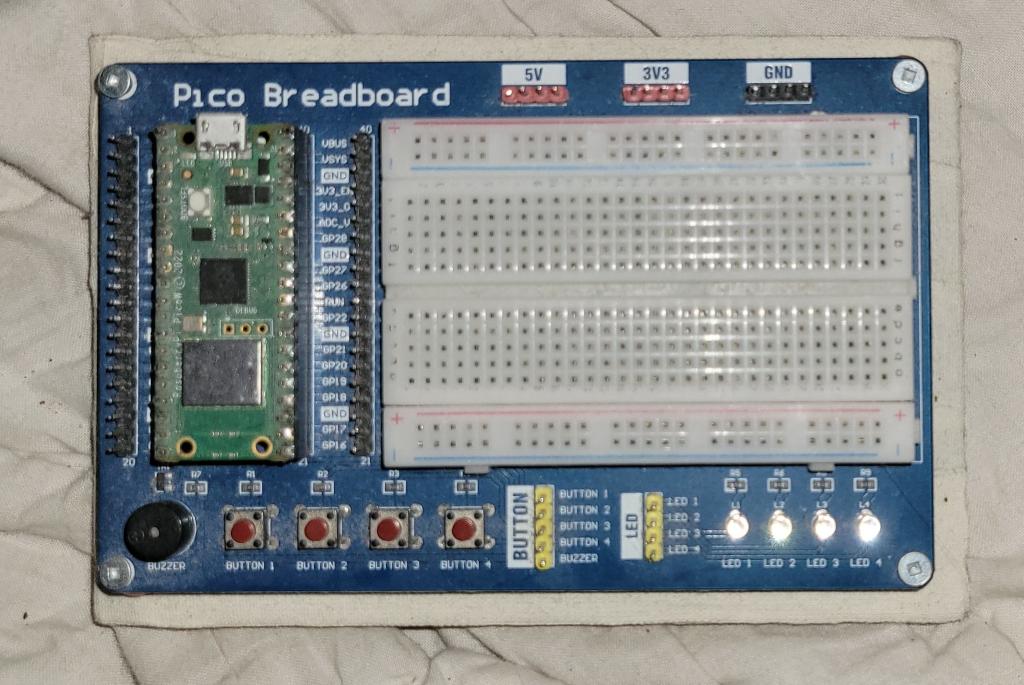
The LED strips run at 24V and are ground switched.
Initially I was relying on transistors to keep the 24V of the LED strip away from the 3.3V pins of the Pi Pico. One day one of those transistors failed, and fried the microcontroller.
For the next iteration I added 1000V rectifier diodes between the GPIO Pins and the transistors.
With the addition of the diodes, the gates were showing capacitive effects, mostly color channels not turning off fully, so I had to add high value resistors to drain the gates when the pins turn off.
Eventually I soldered the components onto a prototype board, mounted the parts on a craft board, and wired them together.
code: main.py (gist): https://gist.github.com/sarah-happy/b764c650a840566fd455ef02a1b1f324
The IR library is from: https://github.com/peterhinch/micropython_ir
This has been working for over a year.
Eventually I want to be able to control the lights from my phone. I also want to control them from another device, to set up an automated sunrise and sunset effect, to remind me to go to bed and help with waking up in the morning in the winter.
Over last winter the elastic in fleece skirt tore through half of waistband. Over thanksgiving weekend I fixed it up. I also fixed up other big holes in the seams that had torn out.
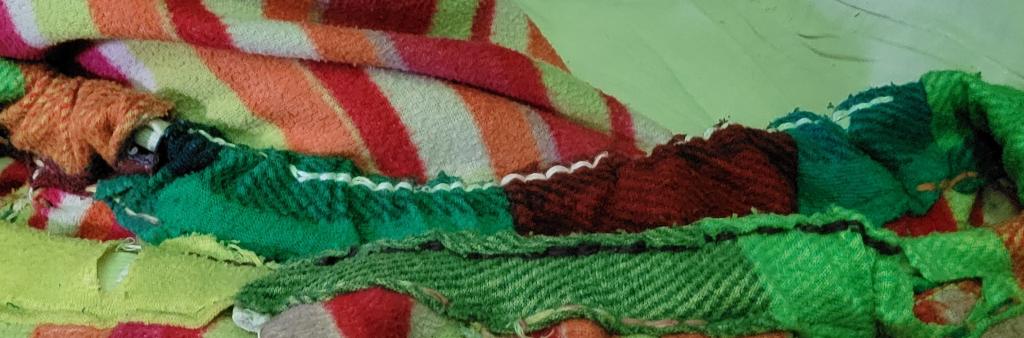
Hopefully it makes it through the whole winter.
I had a need to make install media to reset a windows 10 machine, here are my notes for next time.
Based on https://linuxconfig.org/creating-a-bootable-usb-for-windows-10-and-11-on-linux
Erase the data on the USB disk.
Partition table type: gpt.
Partitions:
BOOT, 1 GiB, fat32INSTALL, rest, ntfsOpen the Windows installer ISO
Copy everything except sources to BOOT
Copy sources/boot.wim to BOOT/sources
Copy everything to INSTALL
I’m not sure if it actually boots, I used the setup.exe to reinstall windows.
One of the seams in my everyday handbag ripped open after many years. Shoving my laptop into my bag on that side is probably what made the seam finally wear out.
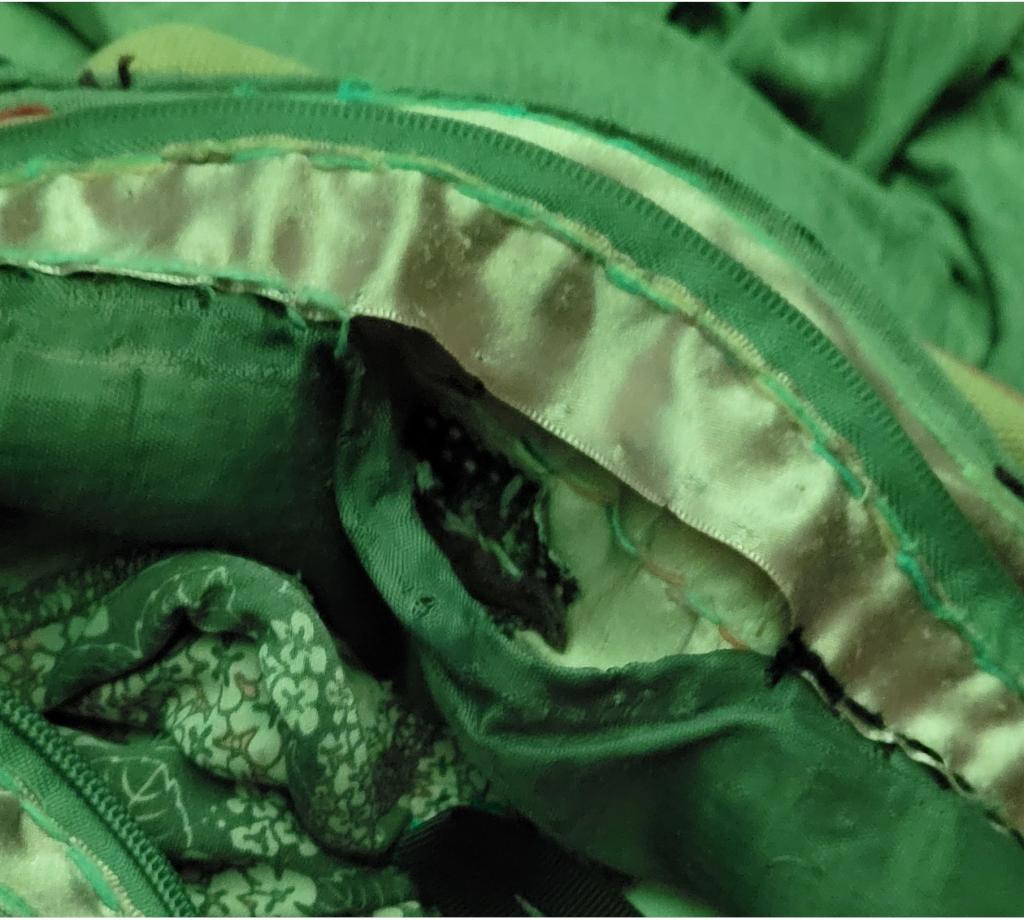
The process is nice and simple. Open up an edge seam, clean up the worn out seam, and pin it together.
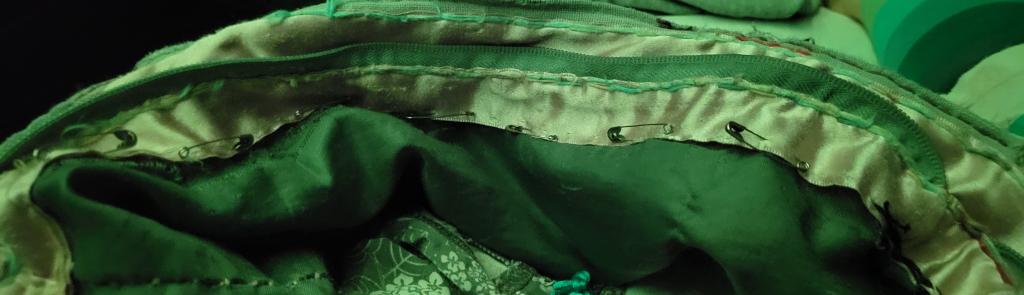
Finally, stitch in a three layer seam this time.

Close up the edge seam, and this should be done for another few years.
I wanted some more space between my bed and shelf wall. Eventually I settled on shortening my bed by 20cm. My mattress is not normal at all, and will fit the container it is in.
To start the two uprights near where I need to cut get moved past the cut line, with enough space to get a hacksaw in there. Everything attached to the end part of the bed needed to move for the process.
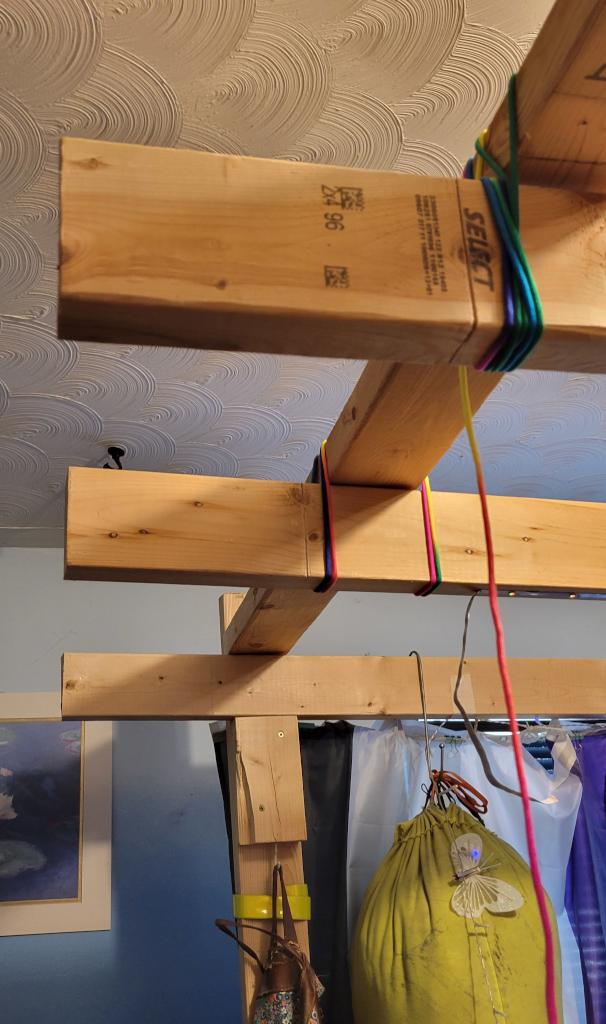
It was a sweaty time trimming the top four boards.
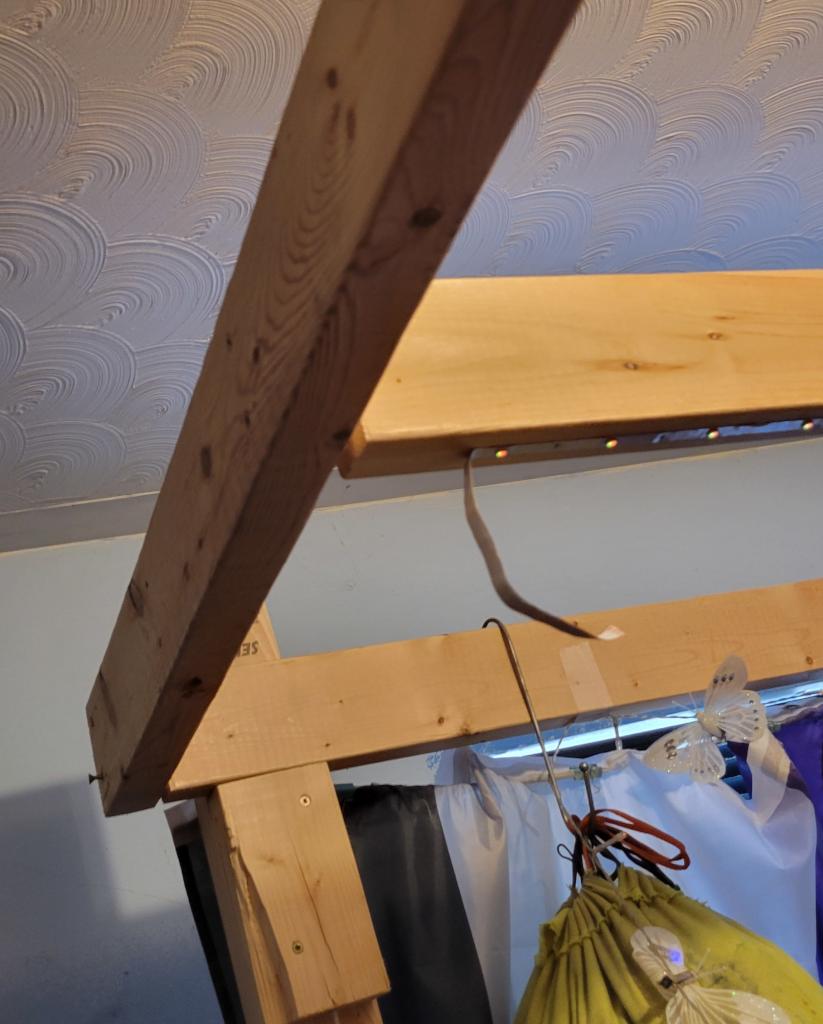
After the trim I tacked the end board back on while trimming the platform.
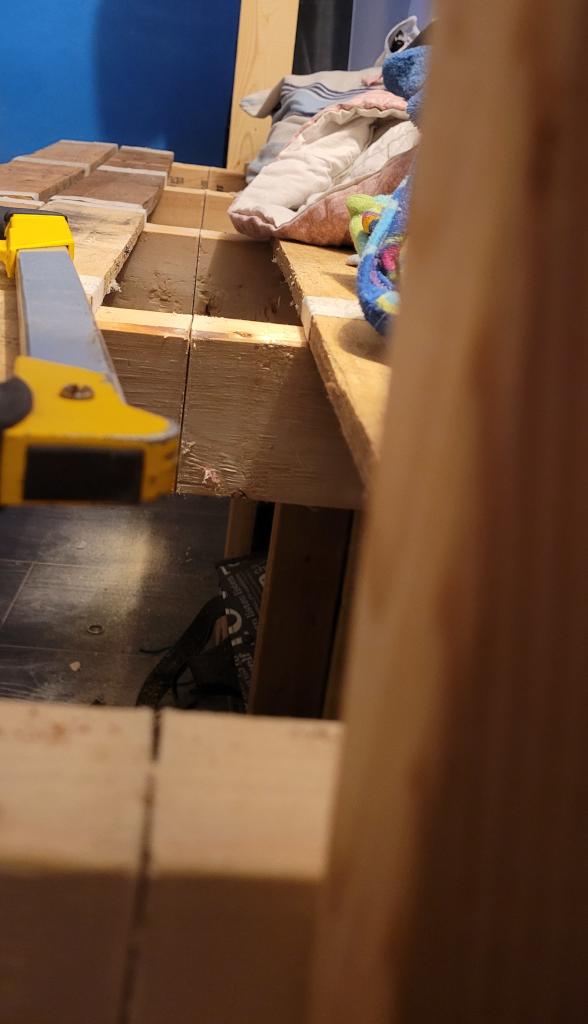
half way cut.
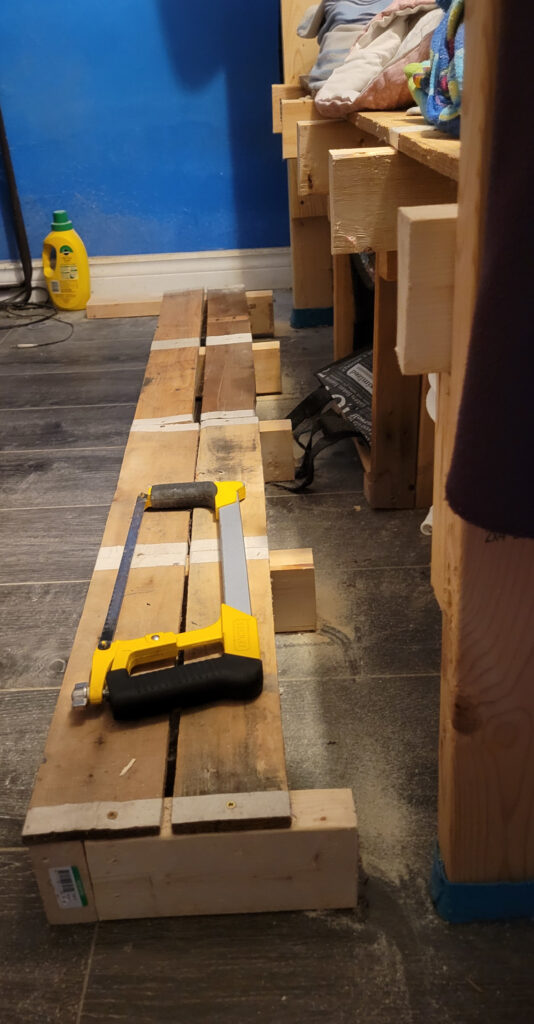
rest of the way cut.
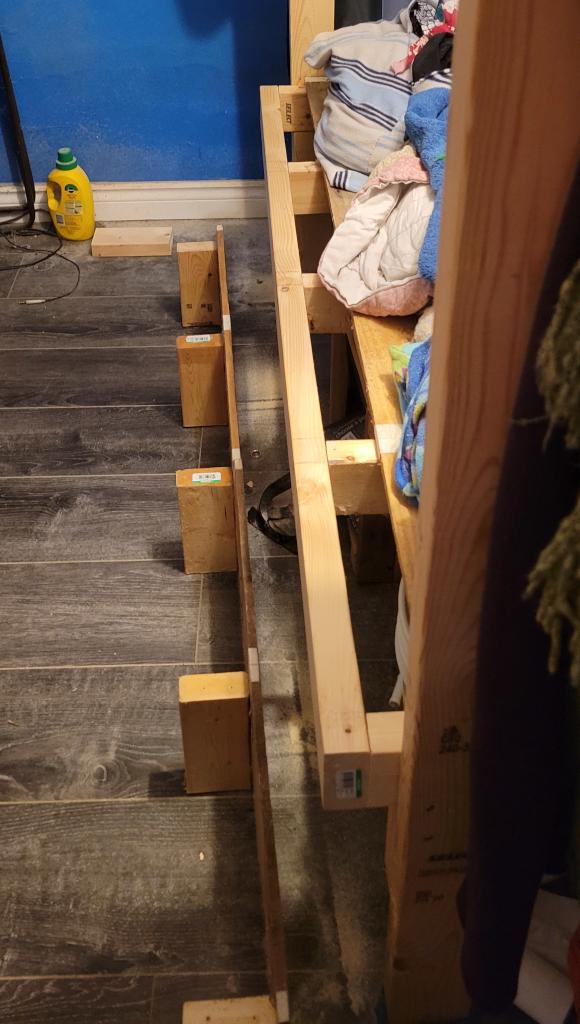
put the end back on
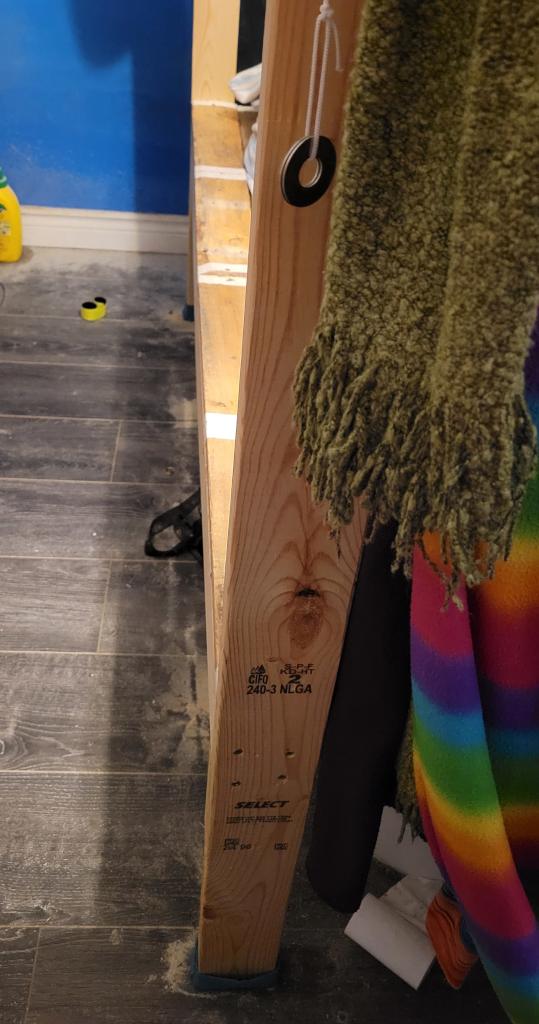
line the verticals up with the end of the platform, make sure they are plumb, and secure them.
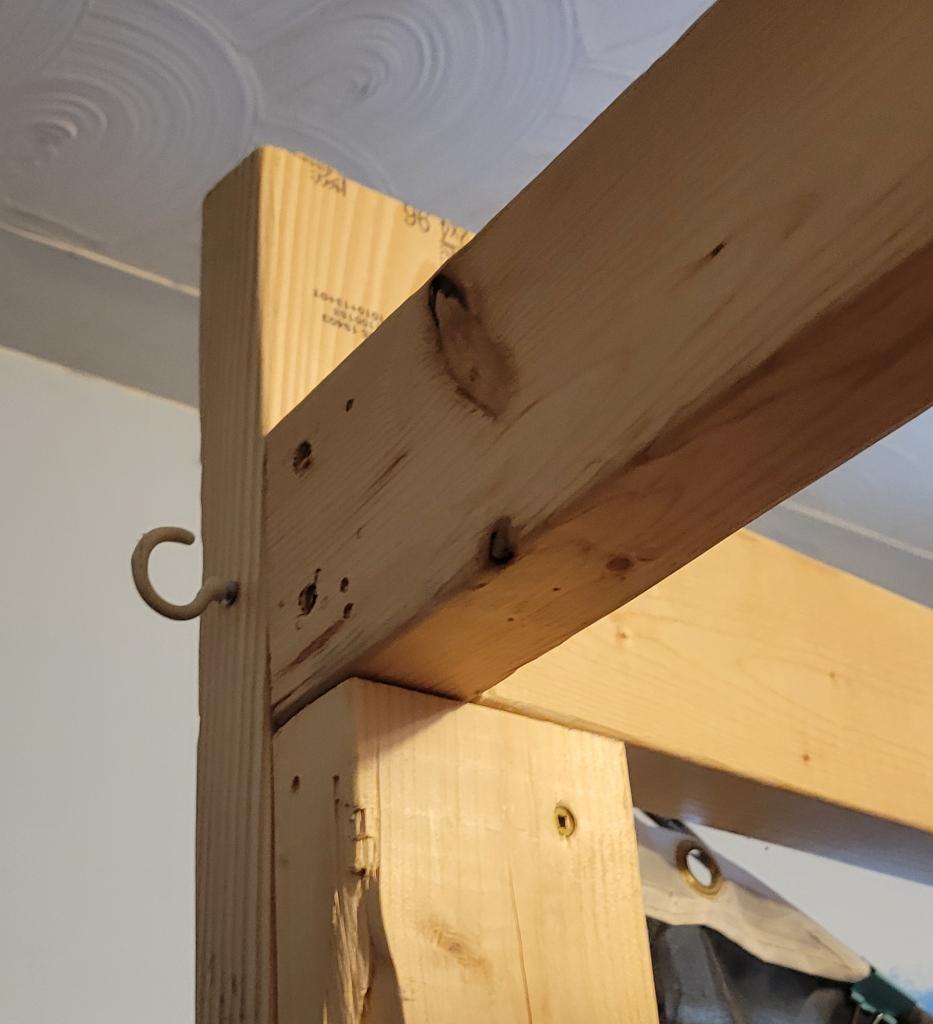
using ropes, and a big clamp, force the top board into the right place, lined up, and tight against each other, and finally secure it in place.
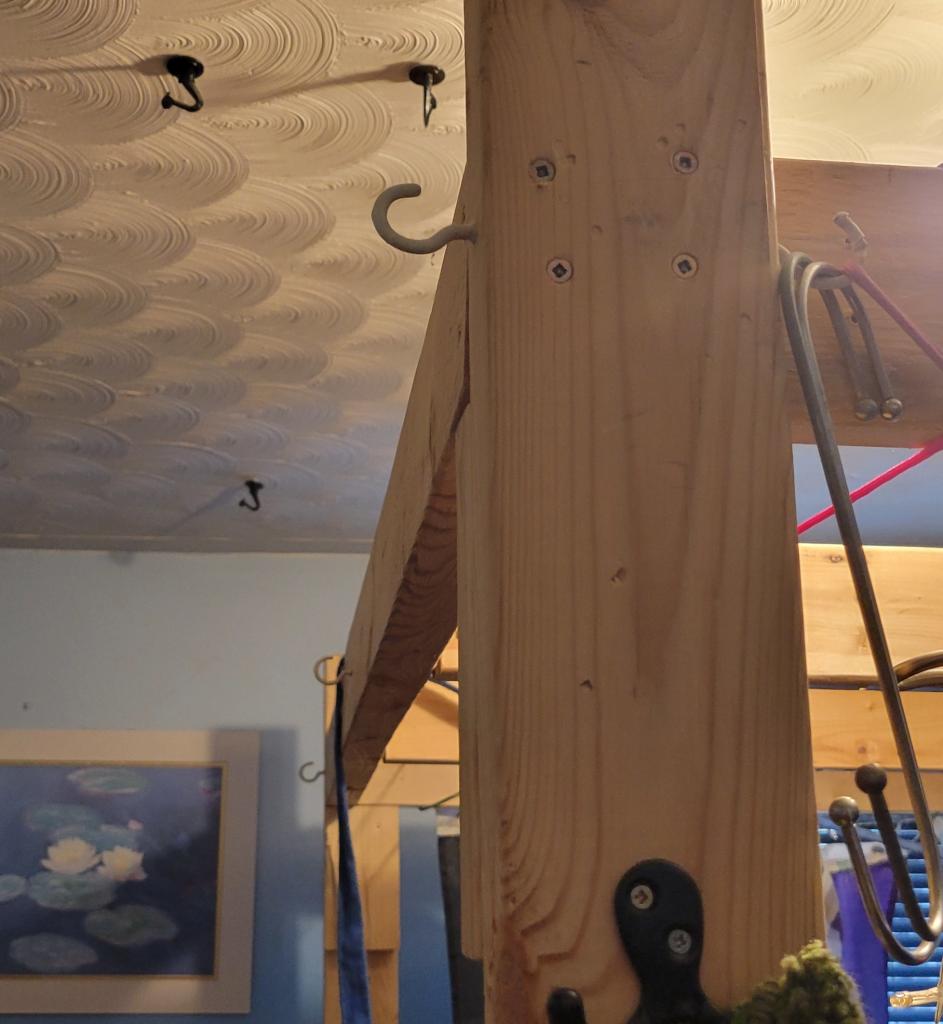
fix up the rest of the top boards.
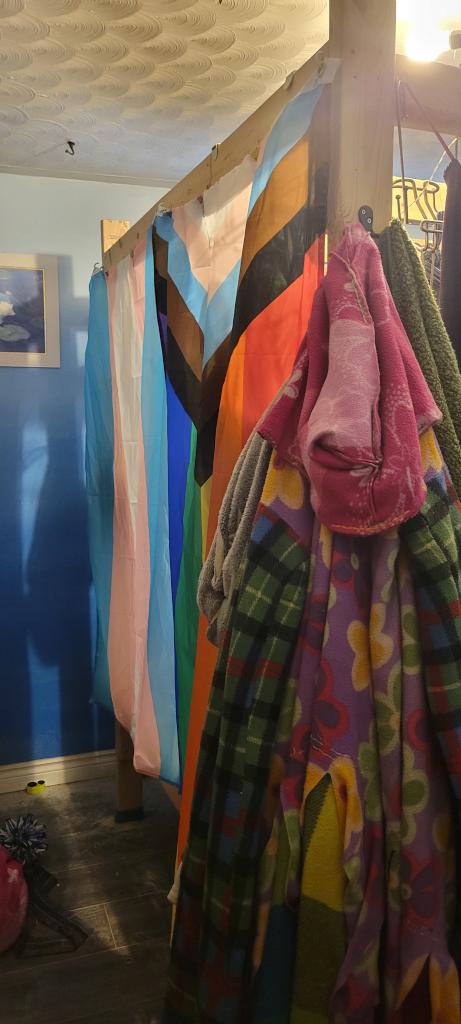
and the extras go back up.
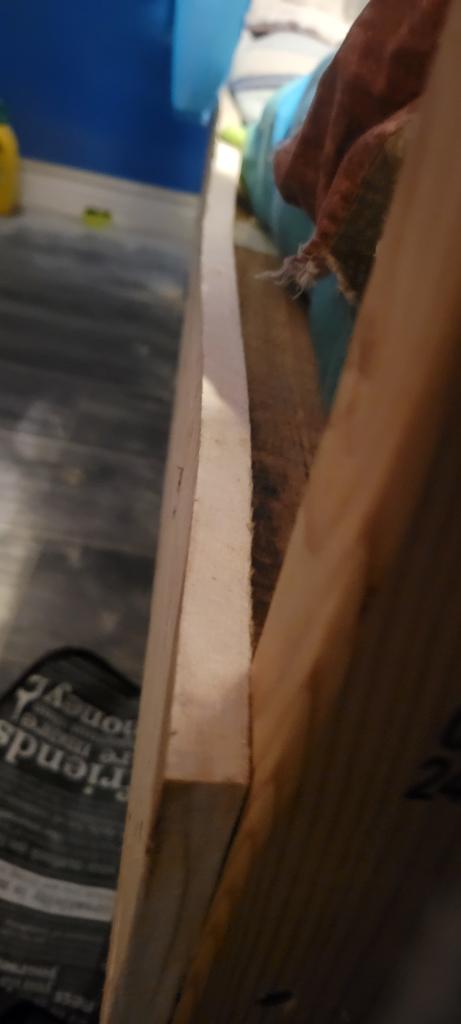
finally, I put a lip on the edge to help keep the contents of the bed from falling off the end as easily.
I just moved my little cloud server to a new and more spacious virtual private server. I’m always surprised how fast files can be copied between cloud providers.
I spent the last few months shopping around looking for a good inexpensive hosting option billed in CAD and located in Canada, eventually settling on ServaRica in Montreal. It took me two weekends to get everything moved over. This is a personal server so there is nobody to complain if a service is down for a bit.
Why move? A few reasons,
I want to be billed in CAD, this option is not available on Linode.
I want a place to try running a NetBird server. (requires 2 GB RAM)
I may also put up an OnlyOffice collaborative editing server. (requires 4 GB RAM)
The new Virtual Private Server:
Moving from:
The major steps: